How to get competitor price alerts for your online store
A competitor price alert tells you that an observed price has changed on a page you follow. To make it useful, choose the exact offer, check it on a schedule your team can use and send the notification to someone who will review it.
In lookalytic, each monitored page is a watch. This guide walks through setting up one watch and checking its starting observation. You choose whether a later change calls for a pricing or promotion decision.
Start with one comparable offer
Use a public product URL for an offer that matters to your store. Confirm the model, variant, seller, condition, currency and delivery terms. The guide to choosing competitor product pages has a checklist for this step.
Give the watch a name that helps the reviewer recognise it. "Camera kit, retailer A, new" is more useful than "Competitor 1" when several alerts arrive together.
Create the watch in lookalytic
- Open the e-commerce monitoring workflow and select "Start monitoring". Sign in if prompted. New users create a workspace before adding their first watch.
- Paste the public product URL. Check that "Resource type" is set to "Product".
- Under "Changes to track", select the supported details you need. Select "Price" for price changes. Add "Availability" if a stock-status change would also help your decision.
- Choose "Every hour", "Every 6 hours" or "Every day" under "Frequency", then select "Continue".
- Choose workspace notification defaults, destinations for this watch, or "No notifications for now". Review the summary and select "Create watch".
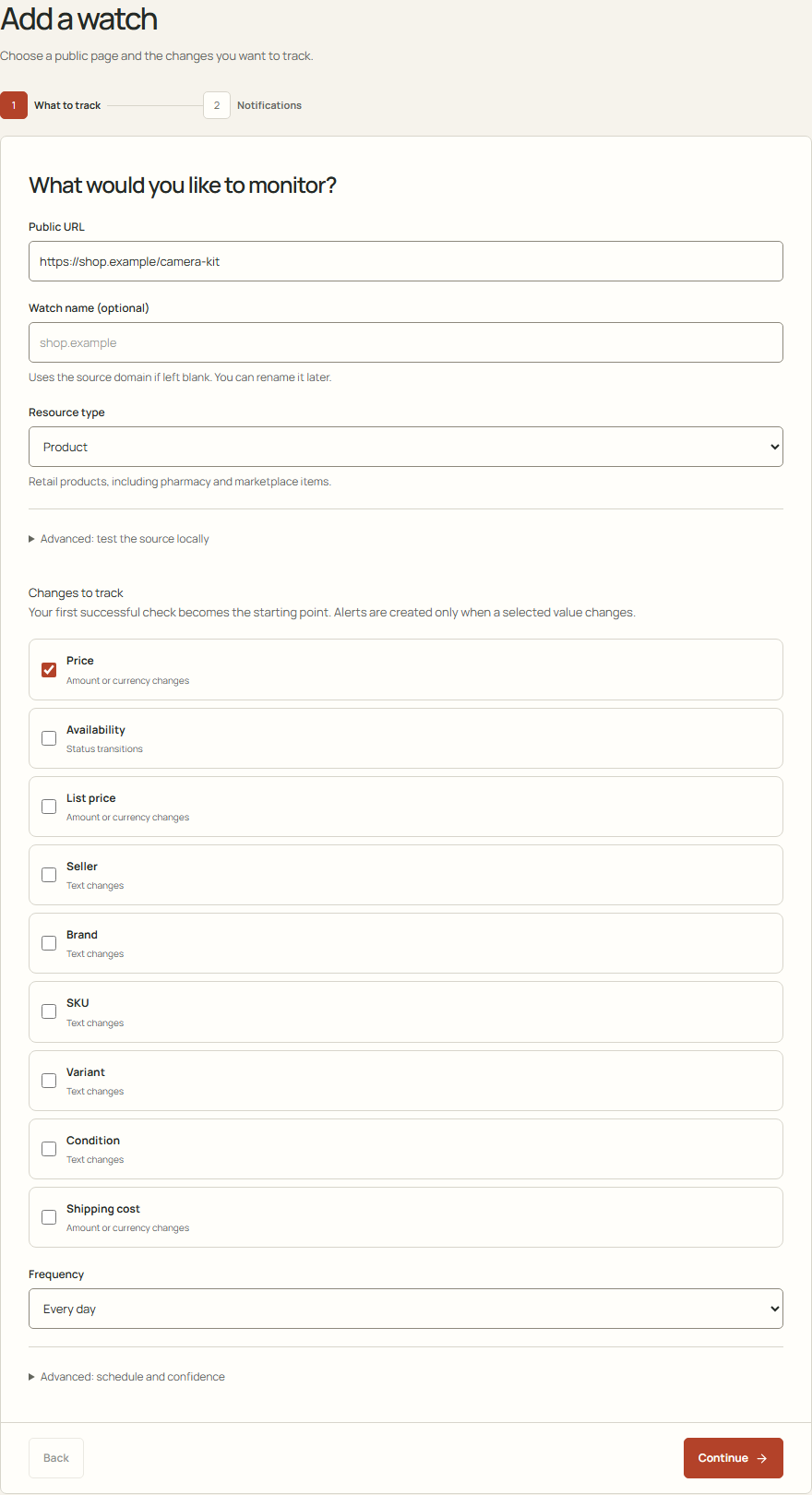
This local demo uses an example URL and shows no retailer measurement.
Workspace defaults need working destinations if you want alerts delivered outside the app. If you choose custom destinations, add an email recipient or select an existing webhook. Choosing no notifications lets you review changes in Inbox without sending them elsewhere.
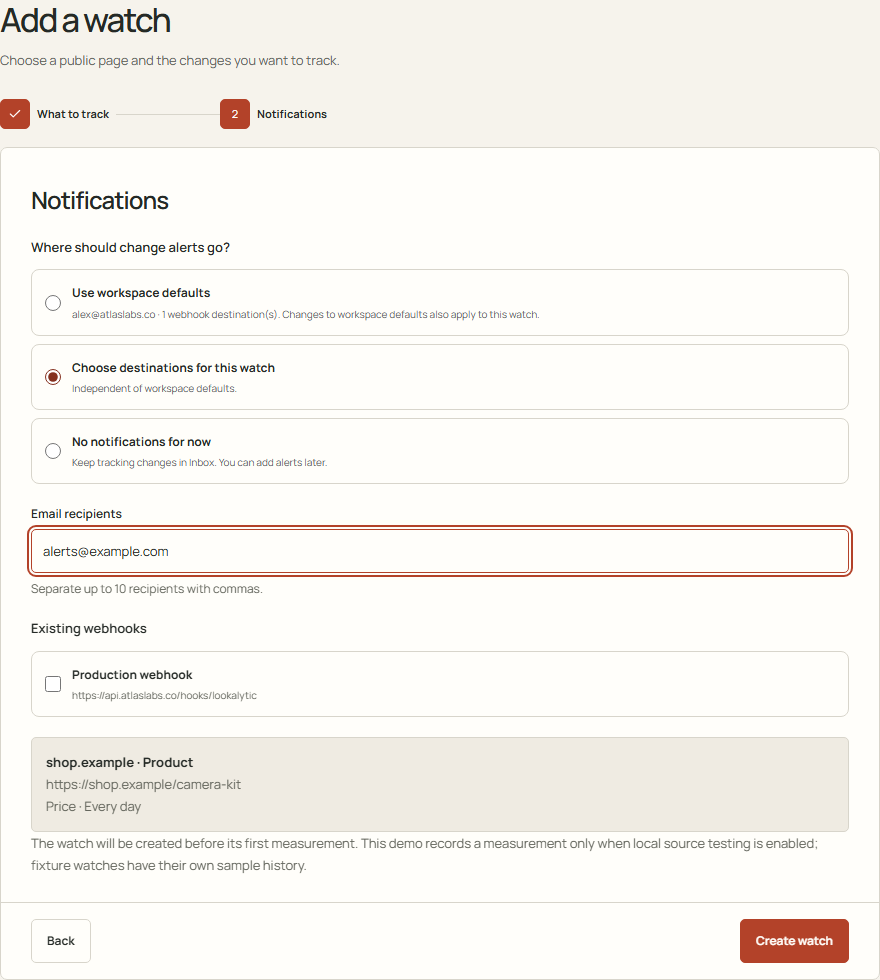
These notification controls use an example email address. Delivery to a real inbox was not tested.
Check the first observation before relying on alerts
Creating a watch schedules work. It does not prove that the page can be read. Open the new watch and check its first result. A successful result becomes the starting point for later changes.
Compare the observed price with the public offer. Look at the currency, seller, variant and observation time. A page that shows several offers or changes its default variant needs particular care.
If the watch is awaiting its first check, it has no measured starting price yet. If extraction fails, review the monitoring problem before relying on that source. Some pages do not expose readable, reliable values.
Decide what to do with an alert
Suppose a comparable offer moves from EUR 200 to EUR 180. That is a EUR 20 decrease, or 10% of the previous observed price. These numbers are hypothetical.
Open the source before acting. Check whether the seller, condition, delivery charge or availability also changed. Then decide whether your margin and offer justify a response. A notification does not establish that matching the competitor's price is the right choice.
Keep the monitored fields focused. Tracking extra details that nobody uses gives the reviewer more changes to sort through. Assign a reviewer and agree which changes require a response.
Check the monitoring scope
Only changes detected during successful checks can trigger alerts. Compare your schedule with the current check allowances.
lookalytic follows selected public URLs. It does not discover a competitor's catalogue, match products across stores or change your store prices automatically.